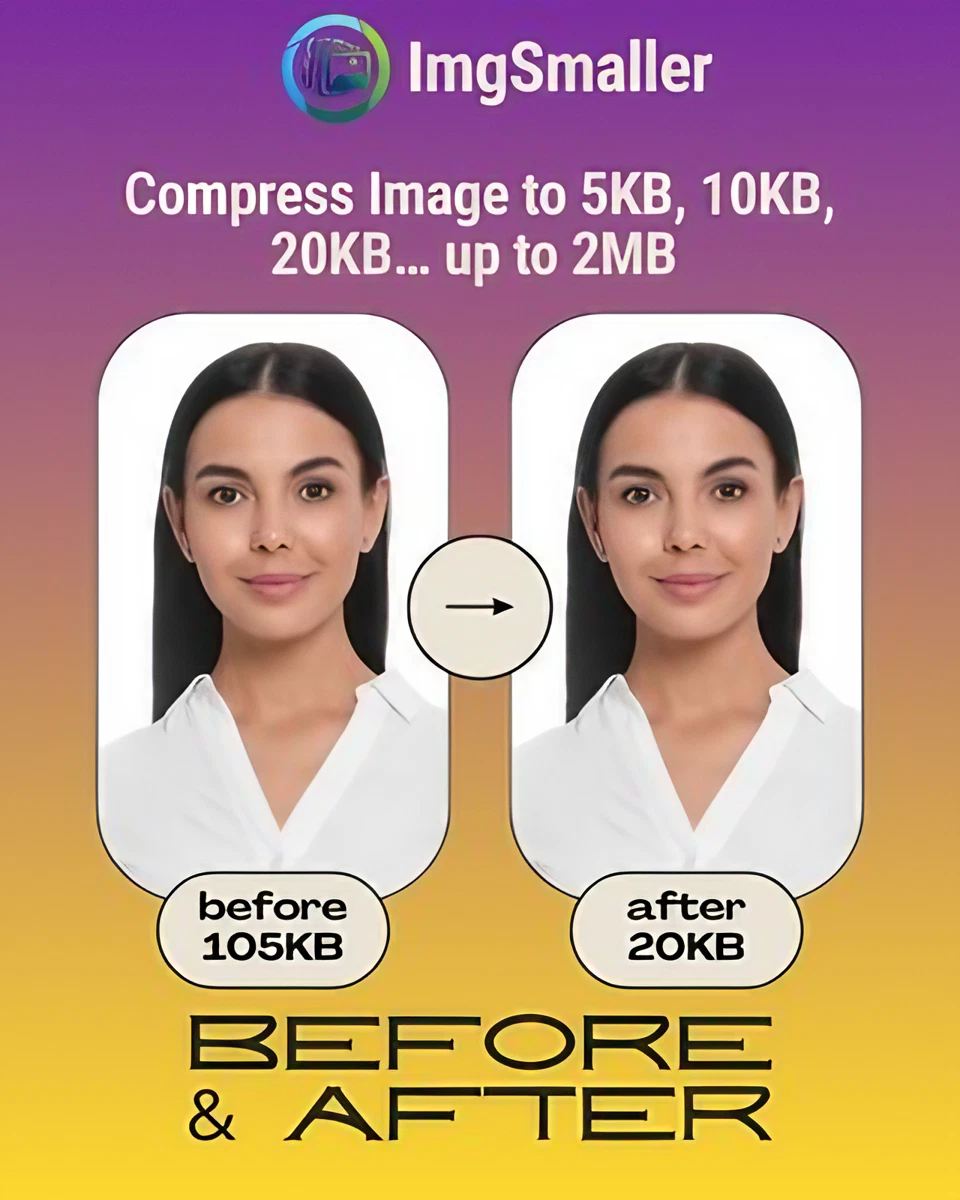
Pic Compressor to 20KB – Compress Images Without Losing Quality

If you're looking for a pic compressor to 20KB, you’ve come to the right place. Whether you need to upload an image for a form, application, or online portal with strict size limits, compressing your photo to exactly 20KB can be tricky — but not anymore!

拖放 或者
什么是零上传?

所有处理均在您的浏览器中进行。不会有任何数据发送到我们的服务器。

Advanced Settings

Once you’ve made any custom changes, click Compress to apply them.

KB
输出:
EXIF / metadata:

用户评价

Kevin Brooks, Florida, USA

ImgSmaller is a simple and useful image compression tool with good quality results and an easy interface. It works well for quick optimizations, though I’d love to see more advanced features and format options in future updates.

Ryan Thompson, USA

ImgSmaller makes image compression fast, simple, and perfect for improving website speed without sacrificing quality.

Michael Anderson, California, USA

ImgSmaller is an excellent image compression tool that helps reduce image size without losing quality. It’s fast, easy to use, and perfect for optimizing JPG, PNG, and WebP images for better website speed and SEO performance. The clean interface and privacy-focused zero-upload feature make it a reliable choice for developers, bloggers, and designers.

Kumari sunidhi

It's is so useful, thank you so much❤😊 U can provide the facility of converting compressed image results into pdf format, that will be so helpful. chatgpt told me about this website

撰写评论

No Login Required

Support ImgSmaller

Found it useful? Add a link to help others discover privacy‑friendly image compression.

Link to Us

分享此工具

分享可以帮助其他人找到这个免费工具。

此工具的作用


⚡ Features of ImgSmaller’s 20KB Pic Compressor

  • 🎯 Target File Size: Compress your image exactly to 20KB or as close as possible.

  • 🔐 100% Privacy (Zero-Upload Mode): Your images stay on your device — never uploaded to a server.

  • 📁 Multiple Formats Supported: JPEG, JPG, PNG, WEBP, AVIF, and more.

  • 🖼️ Crop + Compress: Edit and resize images in the same window.

  • 📸 Maintain Dimensions: Choose to compress without changing the image's original width and height.

  • 🚀 Fast & Free: Instant browser-based compression with no hidden fees.

  • 🔄 Batch Compression: Compress multiple images at once in zero-upload mode.


🛡️ Is It Safe to Use?

Absolutely. ImgSmaller’s zero-upload mode ensures that:

  • Your data stays on your browser.

  • No image is sent to any server.

  • For server-upload mode (if enabled), all files are auto-deleted after 30 minutes via a cron job.


💸 How Is It Free?

To support hosting and maintenance costs, ImgSmaller displays Google Ads. All core features are free, and server-mode API usage is optional and paid.


✅ How to Use the Pic Compressor to 20KB


  1. Upload your image.

  2. Let the tool do the work!

  3. Download your 20KB-optimized image instantly.

如何将图像缩小到特定的 KB?
上传您的图片,使用滑块或预设值选择目标大小(KB),然后点击“压缩”。该工具会不断调整质量,以达到您的目标。
我的照片会被上传到服务器吗?
启用零上传后,压缩会在您的浏览器本地进行。除非您禁用此功能或使用仅限服务器的功能,否则不会发送任何内容。
我可以改变宽度和高度吗?
是的。设置可选宽度/高度,并根据需要锁定宽高比。该工具会在适用时显示建议和升级警告。