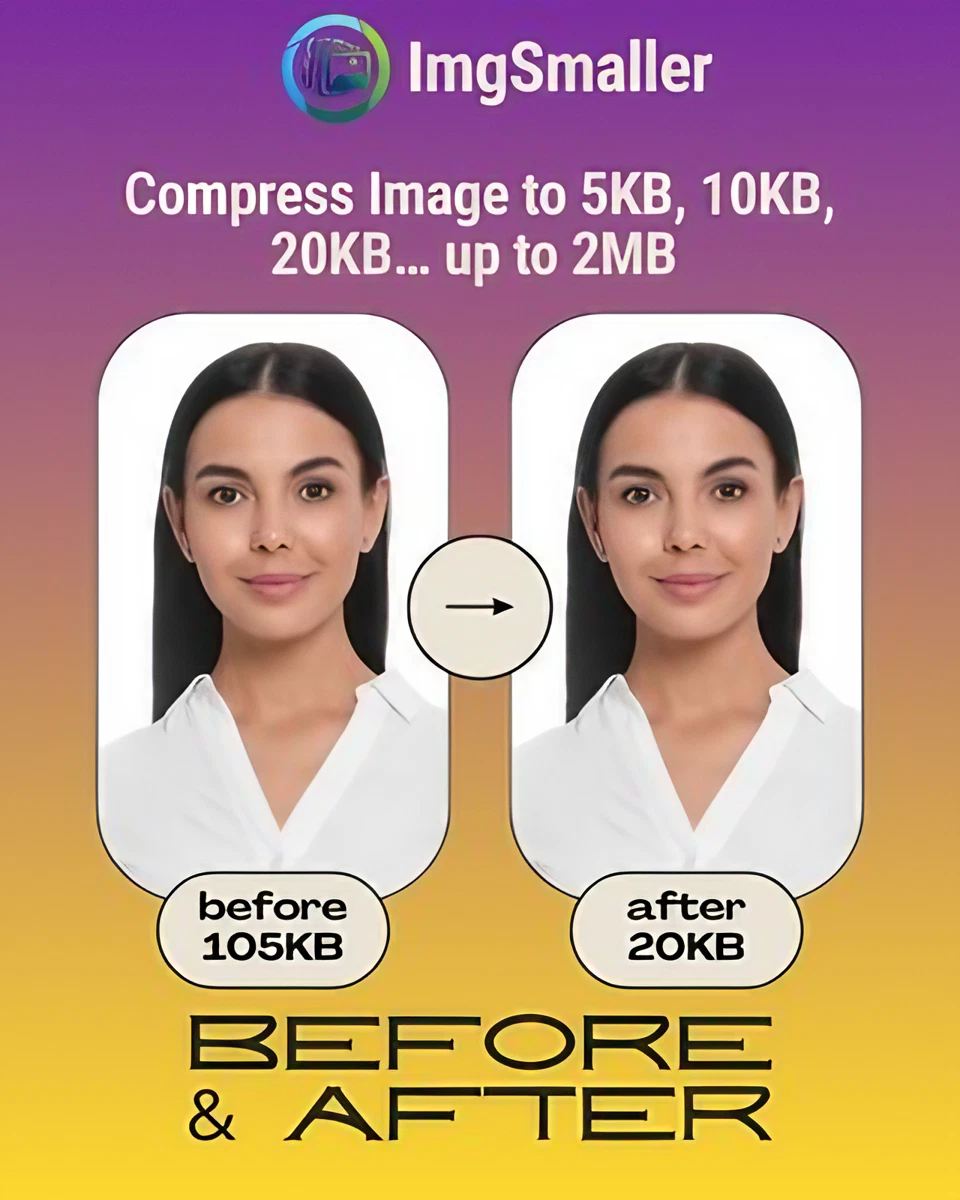
Pic Compressor to 20KB – Compress Images Without Losing Quality
If you're looking for a pic compressor to 20KB, you’ve come to the right place. Whether you need to upload an image for a form, application, or online portal with strict size limits, compressing your photo to exactly 20KB can be tricky — but not anymore!
ImgSmaller is a simple and useful image compression tool with good quality results and an easy interface. It works well for quick optimizations, though I’d love to see more advanced features and format options in future updates.
Ryan Thompson, USA
ImgSmaller makes image compression fast, simple, and perfect for improving website speed without sacrificing quality.
Michael Anderson, California, USA
ImgSmaller is an excellent image compression tool that helps reduce image size without losing quality. It’s fast, easy to use, and perfect for optimizing JPG, PNG, and WebP images for better website speed and SEO performance. The clean interface and privacy-focused zero-upload feature make it a reliable choice for developers, bloggers, and designers.
Kumari sunidhi
It's is so useful, thank you so much❤😊
U can provide the facility of converting compressed image results into pdf format, that will be so helpful. chatgpt told me about this website
Support ImgSmaller
Found it useful? Add a link to help others discover privacy‑friendly image compression.
For server-upload mode (if enabled), all files are auto-deleted after 30 minutes via a cron job.
💸 How Is It Free?
To support hosting and maintenance costs, ImgSmaller displays Google Ads. All core features are free, and server-mode API usage is optional and paid.
✅ How to Use the Pic Compressor to 20KB
Upload your image.
Let the tool do the work!
Download your 20KB-optimized image instantly.
Comment réduire une image à un Ko spécifique ?›
Téléchargez votre image, choisissez une taille cible (Ko) à l'aide du curseur ou des préréglages, puis cliquez sur « Compresser ». L'outil ajuste la qualité de manière itérative pour atteindre votre objectif.
Mes photos seront-elles téléchargées sur un serveur ?›
Lorsque la fonction Zero-Upload est activée, la compression s'effectue localement dans votre navigateur. Aucun message n'est envoyé, sauf si vous la désactivez ou utilisez une fonctionnalité réservée au serveur.
Puis-je modifier la largeur et la hauteur ?›
Oui. Définissez la largeur/hauteur facultative et verrouillez le format d'image si nécessaire. L'outil affiche des suggestions et un avertissement de mise à l'échelle, le cas échéant.
Ads Area
Sélectionner la zone de recadrage
:
Presets:
Pinch to zoom, drag to move
Adjustments
Filters:
Options
Traitement...
Compression…
0%
Nous respectons votre vie privée
Nous utilisons des cookies pour faire fonctionner le site, mémoriser vos préférences, mesurer l'utilisation et proposer des publicités. Vous pouvez accepter tous les cookies, refuser ceux qui ne sont pas essentiels ou personnaliser vos préférences. Consultez notre politique de confidentialité.
Strictement nécessaire
Requis pour la sécurité, les téléchargements, les sessions, la langue et le thème. Toujours actif.
Préférences
Analytique
Nous aide à comprendre l'utilisation pour améliorer l'outil (Google Analytics, Cloudflare Insights).
Publicité
Nous soutient avec des publicités ; permet la personnalisation des publicités lorsque cela est autorisé.