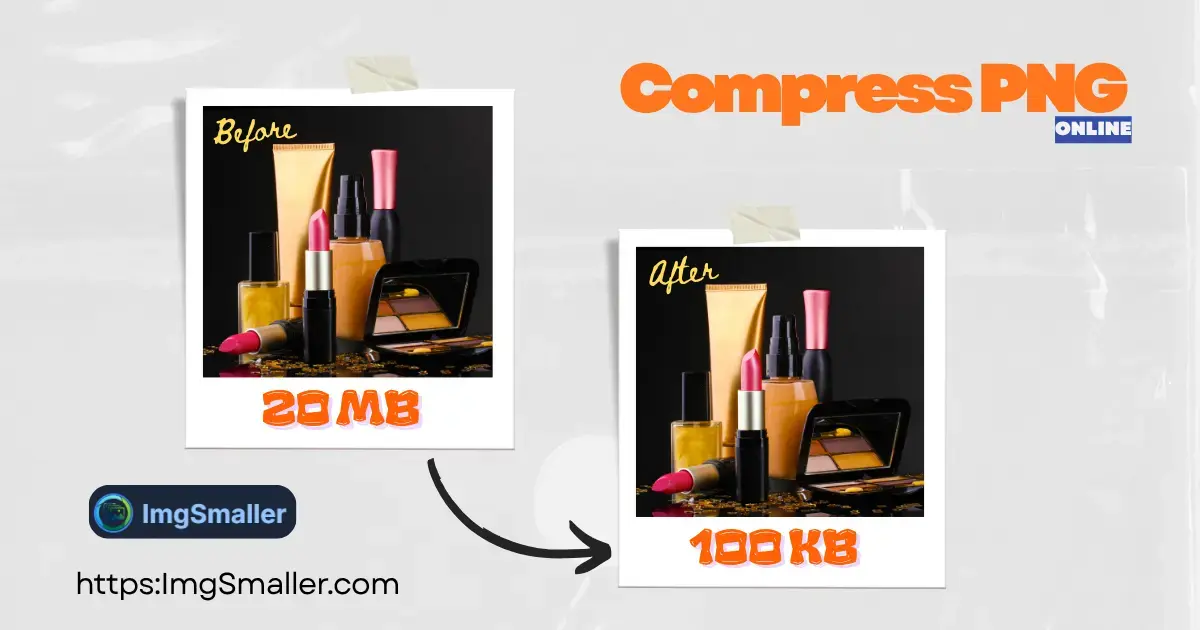
ImgSmaller is a simple and useful image compression tool with good quality results and an easy interface. It works well for quick optimizations, though I’d love to see more advanced features and format options in future updates.
Ryan Thompson, USA
ImgSmaller makes image compression fast, simple, and perfect for improving website speed without sacrificing quality.
Michael Anderson, California, USA
ImgSmaller is an excellent image compression tool that helps reduce image size without losing quality. It’s fast, easy to use, and perfect for optimizing JPG, PNG, and WebP images for better website speed and SEO performance. The clean interface and privacy-focused zero-upload feature make it a reliable choice for developers, bloggers, and designers.
Kumari sunidhi
It's is so useful, thank you so much❤😊
U can provide the facility of converting compressed image results into pdf format, that will be so helpful. chatgpt told me about this website
Support ImgSmaller
Found it useful? Add a link to help others discover privacy‑friendly image compression.
The Zero-Upload PNG Compressor That Preserves Transparency
The PNG (Portable Network Graphics) format is the best choice for web graphics, logos, and icons because it supports true lossless compression and the essential alpha transparency channel. However, unoptimized PNGs often have bloated file sizes.
ImgSmaller.com is engineered to give you the smallest file size possible while keeping the quality and, crucially, the transparent background you need—all with maximum privacy.
🔒 TRUE ZERO-UPLOAD PRIVACY MODE (Browser-Based)
Unlike other tools that send your files to a server, our PNG compression is processed entirely on your local device using advanced browser technology.
No Upload Required: Your images are loaded into your browser's memory, compressed, and downloaded directly back to your device.
100% Private: Since the file never leaves your computer, there is zero risk of data interception or storage. This is the highest level of privacy available for an online tool.
✅ Key Features for Perfect PNG Optimization
Feature
SEO & User Benefit
Full Transparency Support
The compression algorithm respects and maintains the PNG's essential alpha channel, ensuring your backgrounds remain perfectly transparent for web use.
Lossy & Lossless Reduction
Offers multiple optimization techniques, including true lossless compression and smart lossy compression (color palette reduction) for up to 70% greater savings with minimal quality impact.
Zero-Upload Mode
The entire process happens locally, guaranteeing maximum privacy and faster processing times for smaller files.
Preserves Dimensions
Reduces the file size (MB/KB) only. Your original width and height (resolution) remain untouched.
How to Compress Your PNG Images Privately
Select Your PNGs: Click "Select Image Files" or drag-and-drop your PNG files into the box.
Compress in Browser: The optimization begins instantly on your device. Watch the file size drop in real-time.
Download Securely: Save your optimized, high-quality, and fully transparent PNGs back to your computer.
PNG Image Compressor – Reduce PNG Size Without Quality Loss
What is a PNG compressor?›
A PNG compressor is a tool that reduces PNG file size without noticeably affecting image quality. It helps optimize images for faster website loading, better SEO, and lower bandwidth usage.
How can I reduce PNG file size without losing quality?›
You can reduce PNG file size using smart or lossless compression. ImgSmaller analyzes your image and removes unnecessary data while preserving transparency and sharp details.
Is it safe to compress PNG files online?›
Yes, compressing PNG files online is safe when using a trusted tool. ImgSmaller processes images securely and does not store or share your files.
Does PNG compression affect image quality?›
PNG compression does not visibly affect image quality when done correctly. ImgSmaller uses advanced algorithms to keep colors, transparency, and sharp edges intact.
Why should I reduce PNG size for my website?›
Reducing PNG size improves page load speed, Core Web Vitals, and user experience. Faster websites rank better on Google and perform especially well for US traffic.
Can I compress PNG images for free?›
Yes, ImgSmaller lets you compress PNG images online for free with no signup required. You can instantly reduce PNG file size directly from your browser.
Does PNG compression keep transparent backgrounds?›
Yes, PNG compression on ImgSmaller preserves transparent backgrounds, making it ideal for logos, icons, UI graphics, and design assets.
Will compressing PNG files help with SEO?›
Yes, smaller PNG files improve page speed and Core Web Vitals, which are important Google ranking factors. This can lead to better SEO performance and higher engagement.
Ads Area
Sélectionner la zone de recadrage
:
Presets:
Pinch to zoom, drag to move
Adjustments
Filters:
Options
Traitement...
Compression…
0%
Nous respectons votre vie privée
Nous utilisons des cookies pour faire fonctionner le site, mémoriser vos préférences, mesurer l'utilisation et proposer des publicités. Vous pouvez accepter tous les cookies, refuser ceux qui ne sont pas essentiels ou personnaliser vos préférences. Consultez notre politique de confidentialité.
Strictement nécessaire
Requis pour la sécurité, les téléchargements, les sessions, la langue et le thème. Toujours actif.
Préférences
Analytique
Nous aide à comprendre l'utilisation pour améliorer l'outil (Google Analytics, Cloudflare Insights).
Publicité
Nous soutient avec des publicités ; permet la personnalisation des publicités lorsque cela est autorisé.