ImgSmaller is a simple and useful image compression tool with good quality results and an easy interface. It works well for quick optimizations, though I’d love to see more advanced features and format options in future updates.
Ryan Thompson, USA
ImgSmaller makes image compression fast, simple, and perfect for improving website speed without sacrificing quality.
Michael Anderson, California, USA
ImgSmaller is an excellent image compression tool that helps reduce image size without losing quality. It’s fast, easy to use, and perfect for optimizing JPG, PNG, and WebP images for better website speed and SEO performance. The clean interface and privacy-focused zero-upload feature make it a reliable choice for developers, bloggers, and designers.
Kumari sunidhi
It's is so useful, thank you so much❤😊
U can provide the facility of converting compressed image results into pdf format, that will be so helpful. chatgpt told me about this website
Support ImgSmaller
Found it useful? Add a link to help others discover privacy‑friendly image compression.
How ImgSmaller Helps You Compress Images Without Changing Dimensions
ImgSmaller.com is a free and fast online image compressor that supports zero-upload and server-upload modes to protect your privacy and give flexibility. Here’s what makes it stand out:
🔒 Zero Upload Mode (Browser-only):
Your image never leaves your browser. It’s processed locally for maximum privacy.
☁️ Server Upload Mode:
For advanced compression (including PDF and AVIF formats), images are temporarily uploaded to our secure server and deleted after processing.
🧠 Smart Compression:
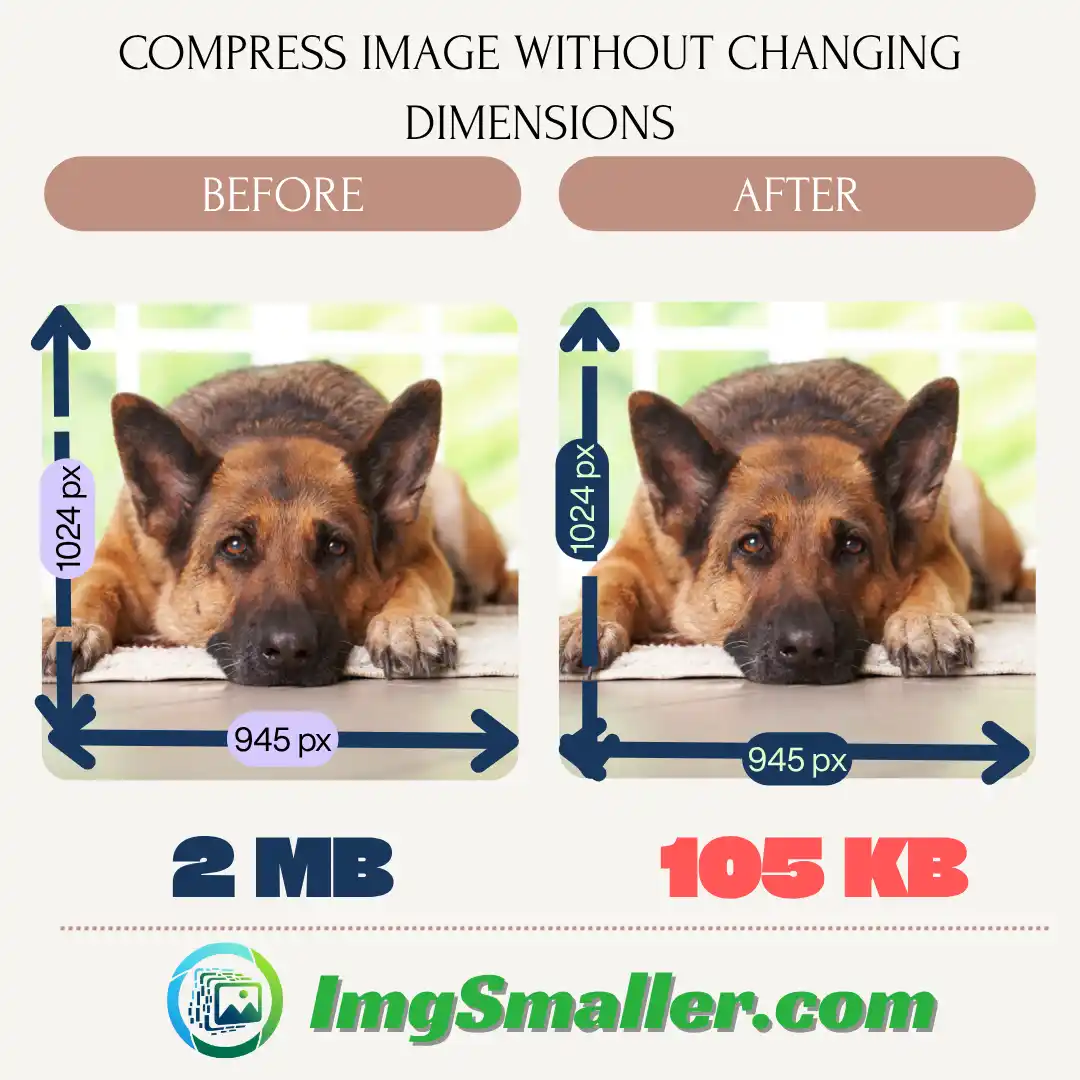
ImgSmaller uses advanced algorithms that reduce file size without altering the width or height of your image.
📁 Supported Formats:
JPG / JPEG
PNG
WEBP
AVIF
PDF (Server mode only)
How to Compress an Image Without Changing Dimensions (Step-by-Step)
You can upload images directly or drag them into the drop zone.
Step 3: Select Compression Mode
Choose between Zero Upload Mode or Server Upload Mode (to enable extra formats or deeper compression).
Step 4: Click Compress
The tool does its magic and keeps your image dimensions untouched.
Step 5: Download Your Optimized Image
That’s it! Same dimensions, much smaller size.
Use Cases for Dimension-Preserving Compression
🌐 Web Designers & Developers
Maintain layout integrity while boosting page speed and SEO.
🛒 E-commerce Sellers
Upload product images that load fast but stay sharp.
📸 Photographers & Bloggers
Compress images without cropping or resizing.
🎓 Students & Job Seekers
Upload passport-size photos or scanned documents to forms that have strict size limits.
Compress Image Without Changing Dimensions
Will compressing an image affect its resolution?›
No, ImgSmaller only reduces file size, not resolution. Your image dimensions stay the same.
What’s the difference between Zero Upload and Server Upload mode?›
Zero Upload Mode processes the image inside your browser (more privacy), while Server Upload Mode sends your image to our server temporarily for deeper compression and more features.
Can I compress multiple images at once?›
Yes, ImgSmaller supports multiple image compression. You can upload several images, and they will be processed one after another efficiently.
Is there any loss of quality?›
There might be slight quality loss (visually negligible) depending on compression level, but dimensions and structure remain intact.
Is ImgSmaller free to use?›
Yes, ImgSmaller is completely free. You can compress as many images as you like without any cost or subscription.
Is my data safe while compressing images?›
Yes, your privacy is 100% protected. In Zero-Upload Mode, your images are processed locally in your browser and never leave your device.
Ads Area
फसल क्षेत्र का चयन करें
:
Presets:
Pinch to zoom, drag to move
Adjustments
Filters:
विकल्प
प्रसंस्करण...
संपीड़ित करना...
0%
हम आपकी गोपनीयता को महत्व देते हैं
हम साइट चलाने, प्राथमिकताएँ याद रखने, उपयोग मापने और विज्ञापनों के ज़रिए सेवा का समर्थन करने के लिए कुकीज़ का इस्तेमाल करते हैं। आप सभी कुकीज़ स्वीकार कर सकते हैं, गैर-ज़रूरी कुकीज़ अस्वीकार कर सकते हैं, या उन्हें अपनी पसंद के अनुसार बना सकते हैं। हमारा <a class="cfcm-link" href="/privacy" rel="noopener">गोपनीयता नीति</a> पढ़ें।
अत्यंत आवश्यक
सुरक्षा, अपलोड, सत्र, भाषा और थीम के लिए आवश्यक। हमेशा सक्रिय।
प्राथमिकताएँ
एनालिटिक्स
टूल (Google Analytics, Cloudflare Insights) को बेहतर बनाने के लिए उपयोग को समझने में हमारी सहायता करता है।
विज्ञापन देना
विज्ञापनों के माध्यम से हमारा समर्थन करता है; जहां अनुमति हो वहां विज्ञापन वैयक्तिकरण सक्षम करता है।