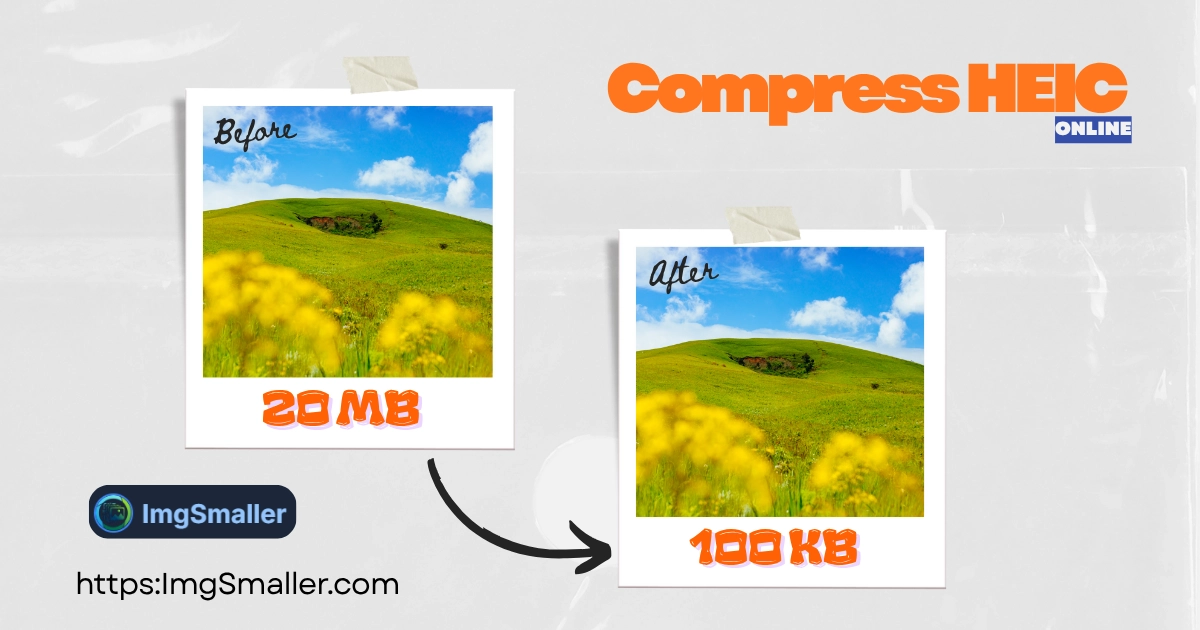
Free online HEIC compressor to reduce file size or convert HEIC to JPG. Files are securely processed on our servers and permanently deleted after 30 minutes.
ImgSmaller is a simple and useful image compression tool with good quality results and an easy interface. It works well for quick optimizations, though I’d love to see more advanced features and format options in future updates.
Ryan Thompson, USA
ImgSmaller makes image compression fast, simple, and perfect for improving website speed without sacrificing quality.
Michael Anderson, California, USA
ImgSmaller is an excellent image compression tool that helps reduce image size without losing quality. It’s fast, easy to use, and perfect for optimizing JPG, PNG, and WebP images for better website speed and SEO performance. The clean interface and privacy-focused zero-upload feature make it a reliable choice for developers, bloggers, and designers.
Kumari sunidhi
It's is so useful, thank you so much❤😊
U can provide the facility of converting compressed image results into pdf format, that will be so helpful. chatgpt told me about this website
Support ImgSmaller
Found it useful? Add a link to help others discover privacy‑friendly image compression.
The Fast, Secure Tool to Compress HEIC Images and Convert to JPG
The HEIC (High Efficiency Image Container) format is excellent for high quality, but the files are often incompatible with many platforms like Windows, Android, and older software.1 When you need to reduce the size of your HEIC photos for sharing or convert them for compatibility, ImgSmaller.com is your secure solution.
Our tool quickly handles your files, offering you two main benefits:
Direct HEIC File Size Reduction: Compress your HEIC photos for better storage efficiency.
HEIC to JPG Conversion: Convert to the universally compatible JPG format, with optional size optimization applied during conversion.
🛡️ Secure Processing & Guaranteed Privacy
Unlike browser-based tools that limit file size and processing speed, we use high-performance servers to ensure the fastest, highest-quality compression possible. Your security remains our top priority:
Temporary Server Upload: Your HEIC images are temporarily uploaded to our secure server for processing.
Guaranteed Deletion:All uploaded and processed images are permanently deleted after 30 minutes. This strict policy ensures your private files are never stored or retained.
✅ Key Features for Efficient HEIC Compression
Feature
SEO & User Benefit
HEIC to JPG Conversion
Solves the primary compatibility issue, making your iPhone photos usable on any device or software.
High-Quality Compression
State-of-the-art algorithms reduce the image file size drastically while minimizing visible quality loss.
Preserves Dimensions
Our compression focuses on reducing the file size (MB/KB) only. Your original high-resolution dimensions (width/height) are preserved by default.
Batch HEIC Processing
Upload multiple HEIC files at once to save time and streamline your file optimization workflow.
How to Compress or Convert Your HEIC Images in Seconds
Upload Your HEIC Files: Click "Select Image Files" or drag-and-drop your .heic photos into the box above.
Choose Your Option: Select between Compress HEIC (keep the format) or Convert to JPG (change the format).
Optimize & Preview: Use the quality slider for granular control and instantly see your size reduction results.
Download Your Files: Save your new, smaller, and secure images.
كيف أقوم بتصغير الصورة إلى كيلوبايت محدد؟›
حمّل صورتك، واختر الحجم المطلوب (كيلوبايت) باستخدام شريط التمرير أو الإعدادات المسبقة، ثم انقر على "ضغط". ستضبط الأداة الجودة بشكل متكرر للوصول إلى الحجم المطلوب بدقة.
هل سيتم تحميل صوري إلى الخادم؟›
عند تفعيل ميزة Zero-Upload، يتم الضغط محليًا في متصفحك. لا يتم إرسال أي شيء إلا إذا عطّلته أو استخدمت ميزة خاصة بالخادم فقط.
هل يمكنني تغيير العرض والارتفاع؟›
نعم. يمكنك ضبط العرض/الارتفاع الاختياري وتثبيت نسبة العرض إلى الارتفاع إذا لزم الأمر. تعرض الأداة اقتراحات وتحذيرًا بزيادة الحجم عند الحاجة.
Ads Area
حدد منطقة المحصول
:
Presets:
Pinch to zoom, drag to move
Adjustments
Filters:
خيارات
يعالج...
ضغط…
0%
نحن نقدر خصوصيتك
نستخدم ملفات تعريف الارتباط لتشغيل الموقع، وحفظ التفضيلات، وقياس الاستخدام، ودعم الخدمة بالإعلانات. يمكنك قبول جميع التفضيلات، أو رفض غير الضرورية، أو تخصيصها. اقرأ رابط الخصوصية الخاص بنا.